
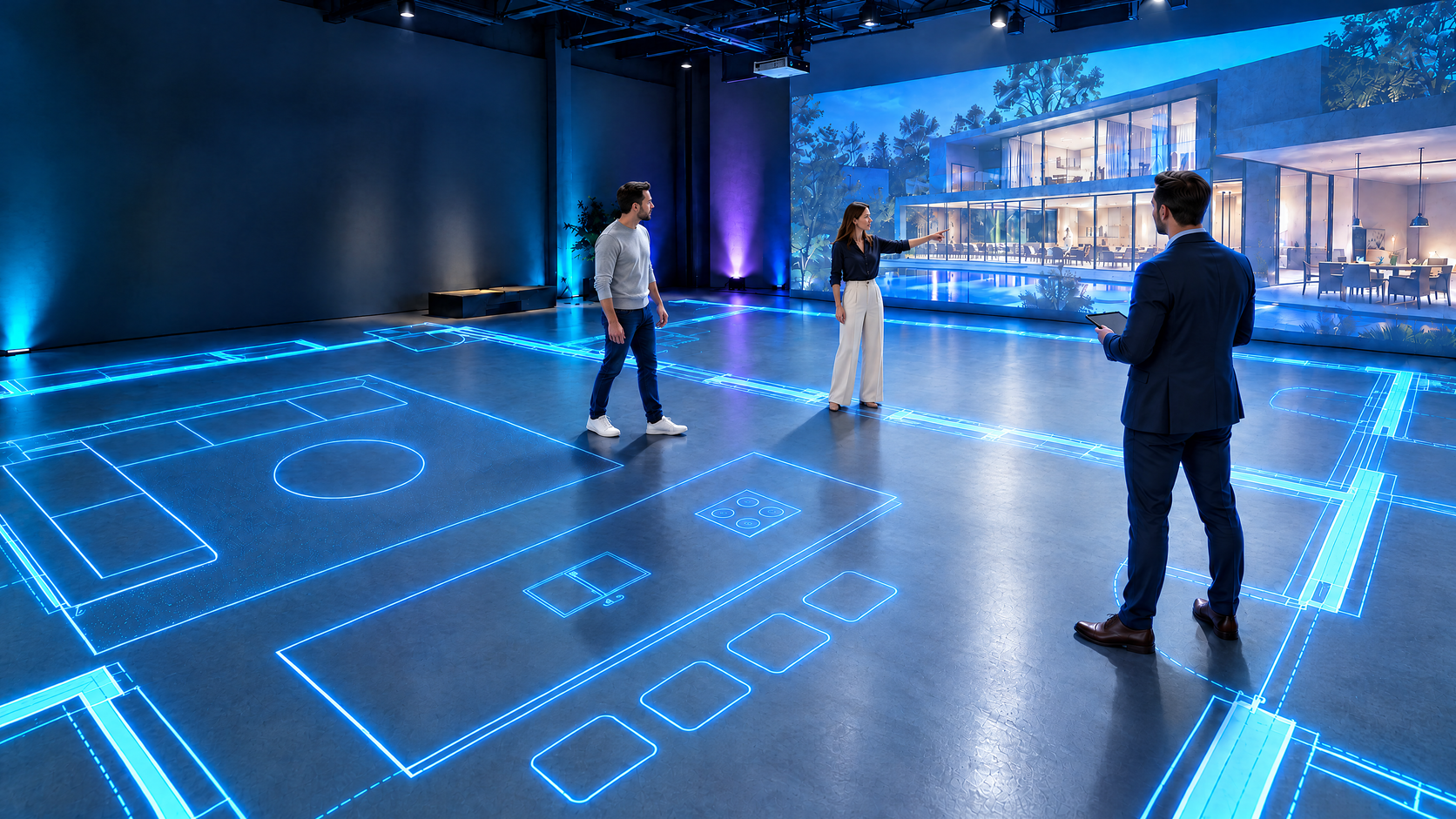
Make the floor
part of the picture.
Immersive rooms. Walkable plans. A projection surface that brings people into the experience.
Concept visualization of a floor-plan projection studioGive the experience
a place to stand.
FLOOR is a dedicated projection floor coating. Use it beneath immersive content, or make it the working surface for a studio that lets people explore designs together.
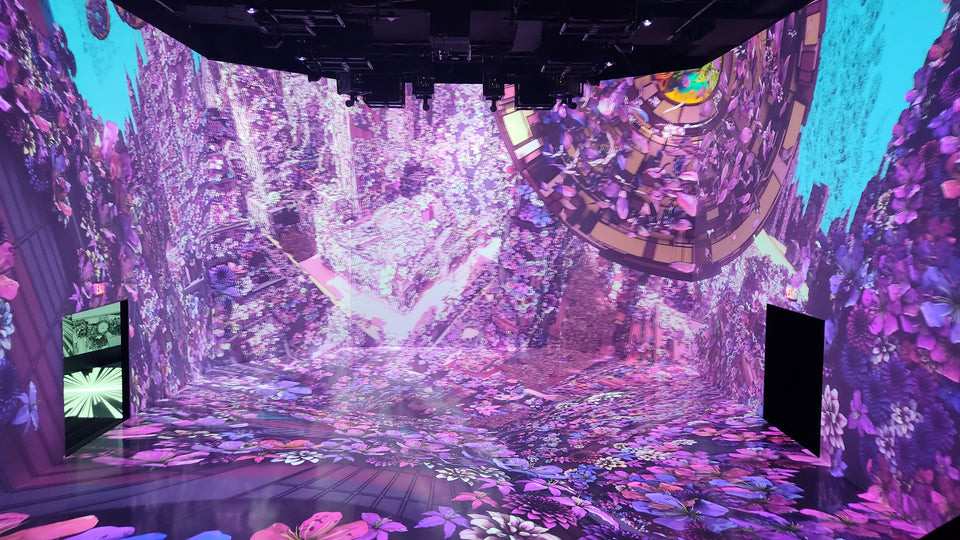
Go beyond the wall.
Extend projected environments across the floor in museums, exhibitions, experiential spaces and themed rooms. Pair FLOOR with a suitable Paint On Screen wall coating to build a continuous visual environment.
Build a FLOOR + EDGE package →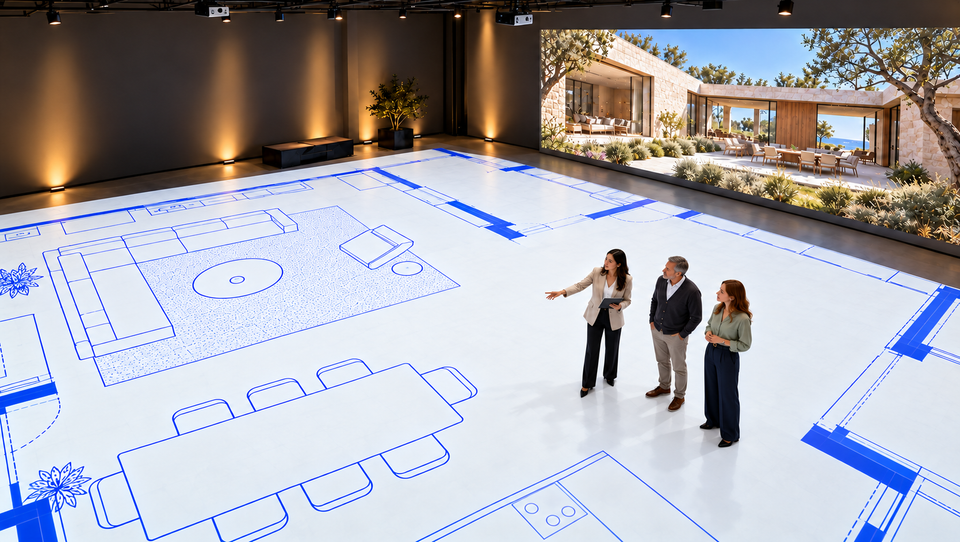
Walk the plan. Before you build.
Project room layouts and furniture footprints at life size to review clearances, circulation and spatial relationships. Show a matching elevation on the wall to help a team understand the design.
Plan a walkthrough studio ↓Surround your audience.
Bring walls and floors into the same story. FLOOR provides the floor surface; content design, projector placement and mapping bring the installation together.
Plan FLOOR + EDGE together →See the space
at human scale.
A projected plan turns a drawing into a shared design-review space. Homeowners, architects, builders and designers can walk room boundaries, consider furniture placement and discuss changes while standing in the plan.
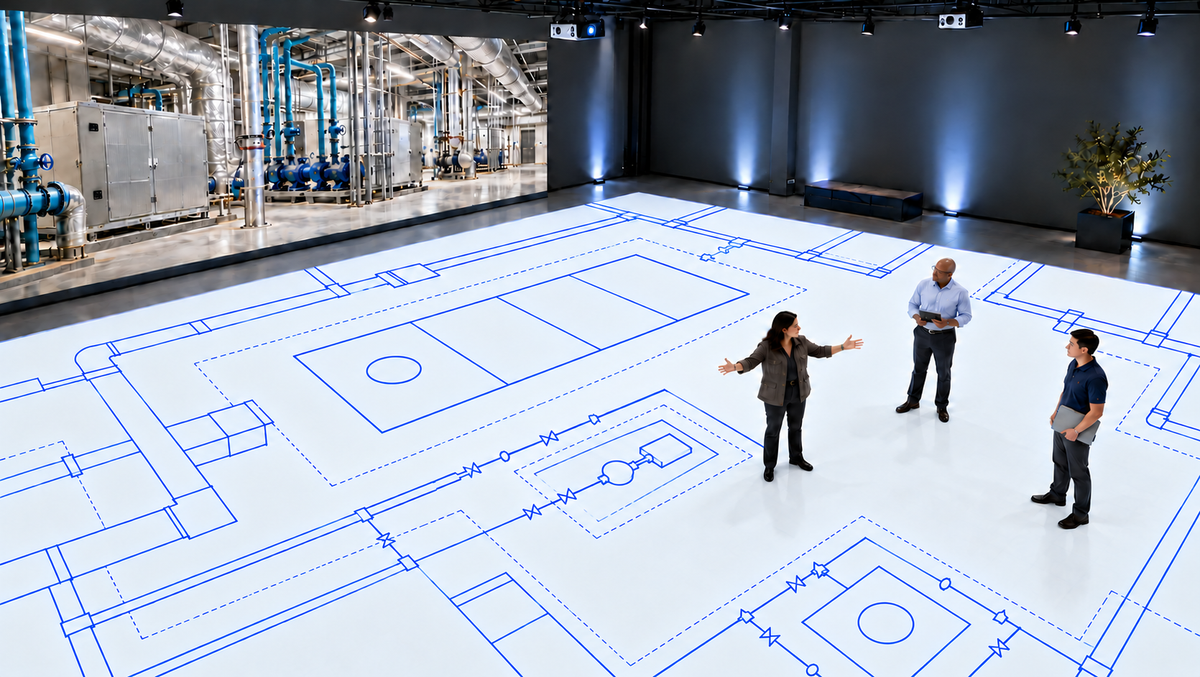
Prepare the surface.
Review the substrate and traffic requirements, then install FLOOR according to the current product documents. Plan the projection area around the spaces you want to review.
Calibrate the plan.
Align the projectors and verify scale against a known dimension. Use 1:1 scale for spaces that fit; scale larger building footprints or site-plan details to the available floor.
Walk. Review. Refine.
Explore circulation paths, door swings and furniture footprints together. Coordinate changes in your drawing or projection software, then review the updated layout.
FLOOR · Projection underfoot
Explore projection inspiration for walls, floors and immersive spaces.
 Ocean Wave Projection ↗
 Projected Tea Table ↗
 Interactive projection room ↗
 Starfield environment ↗
 Forest & animal mapping ↗
Inspiration images illustrate projection applications; they do not identify the coatings used in the depicted installations.
Meet FLOOR.
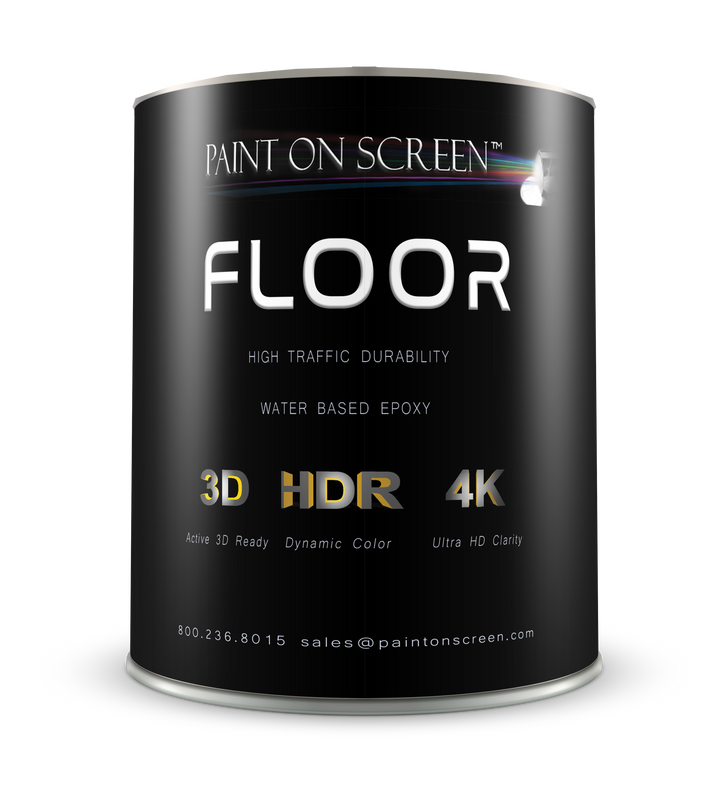
Our multi-use, self-leveling projection floor finish uses a two-part waterborne epoxy system, with coating and adhesion primer combined in one application.
- System
- Two-part waterborne epoxy
- Published coverage
- 170 ft² / 15.8 m² per gallon
850 ft² / 79.0 m² per 5 gallons - Colors
- White, Grey, Silver
- Next step
- Confirm substrate, installation and traffic requirements with the FLOOR documents and our team.
Start with the right documents.
Use the current FLOOR installation instructions for mixing, preparation, application and cure requirements. Review Part A and Part B safety information before use.
Questions about projection floors?
Can I use FLOOR for immersive wall-to-floor experiences?
Yes. FLOOR is designed for floor projection and can be paired with an appropriate Paint On Screen wall coating. Coordinate the floor and wall finishes with your projector layout and content.
Does the coating create the floor plan or set its scale?
The coating provides the projection surface. Your drawing files, projector calibration and software create the image and determine whether it is life size or scaled to fit.
Can I project site plans and commercial layouts?
Use the studio to review selected site-plan details, building footprints, commercial layouts and circulation paths at a suitable scale. A full site may need to be reduced to fit the projection floor.
Where do I find preparation and product safety information?
The FLOOR document collection brings together the available installation, product and safety documents, including information for both epoxy parts.
Explore the floor-plan walkthrough format
Learn about full-scale design-review studios and the ways projected plans are used.