

Your color.
Your screen.
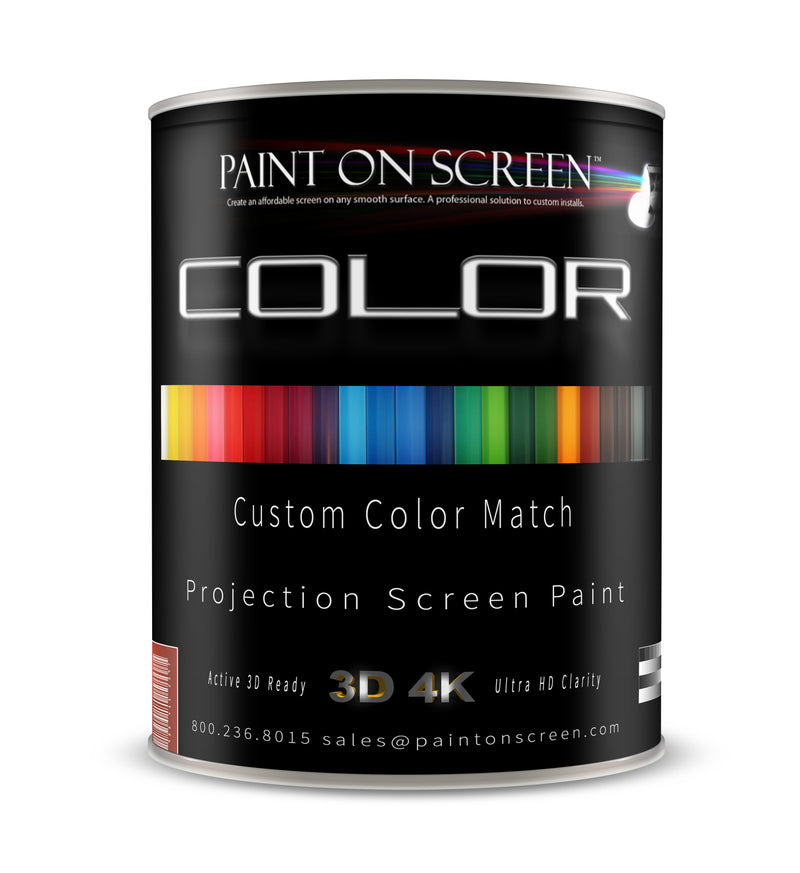
Make projection part of the design. COLOR brings custom color matching to projection surfaces, with Standard, Diamond, Silver and Diamond & Silver choices.
CUSTOM MATCHING · INTERIOR & EXTERIOR OPTIONSA screen that belongs in your space.
Send a paint code, chip reference or sample. We will review the color and coating choice with you, so your projection surface fits the environment you are creating.
Match your design
Share your manufacturer, color name and code. For a physical reference, contact our team to arrange a sample.
Choose your formulation
Select Standard COLOR, Diamond, Silver or Diamond & Silver, with interior and exterior configurations listed below.
Calibrate your projector
Fine-tune the picture for your finished surface and room lighting.
Download recalibration instructions (PDF)Configure & order
Make projection part of the design. COLOR brings custom color matching to projection surfaces, with Standard, Diamond, Silver and Diamond & Silver choices.
Gain depends on the chosen formulation, color and installation. Ask us to review your projector and target color together.
Make the picture feel at home.
Set up your projector on the finished, cured surface under your usual viewing lighting. Start with a Cinema or Movie preset, then use neutral test patterns to fine-tune white balance for the wall color. Adjust black and white detail, check natural skin tones, and save the result. Menu names vary by projector.
Prepare & align
Let the coating cure, warm up your projector, set normal room lighting, and align and focus the image. Save your original settings.
Balance the color
Use wall-color correction if available. With grayscale patterns, adjust color temperature and white balance in small steps. For precise RGB and color-management settings, use a calibration meter or professional.
Check & save
Use test patterns to preserve shadow and highlight detail. Recheck skin tones and save a preset for each input and SDR/HDR mode you use.
Color calibration can reduce a cast; it cannot recover light or colors absorbed by a dark or saturated surface. Test your chosen color with your projector before coating the full area.
Download projector recalibration guide (PDF)Estimate your surface
Planning estimate: 170 ft² per gallon for the two-coat screen system. Confirm the selected custom formulation and preparation before ordering.
Open full calculators →Guidance for your exact finish.
Find installation guidance, safety documents and available technical information in our document library. Ask our team if your exact formulation is not listed.
Open document library →Before you begin
How do I provide my color?
Enter your manufacturer, color name and code with the order. If you are sending a chip or paint sample, enter “Sample to follow” and contact us to coordinate the reference before production.
Will a custom color affect the projected image?
The surface color influences the reflected image. Review brightness, color balance and room lighting with our team; test and calibrate the projector for your selected finish.
Is this the same as the custom Wall & Ceiling finish?
COLOR is the projection surface coating. Custom Wall & Ceiling is the surrounding room finish. Choose the product for the surface you are treating.
Your project. Our people.
Speak with a real person about color references, preparation and the right finish for your room.
800.236.8015Monday–Friday · 10 AM–5 PM EST
Discuss my project →Complete the room
Bring the surrounding walls and ceiling into the same design conversation.
Explore Wall & Ceiling →